Gym Check-In Systems: How to Set Up Fast, Reliable Member Check-Ins

A gym check-in system does two jobs: it gives members a fast, frictionless way to log their arrival, and it gives you attendance data that drives every downstream decision — class scheduling, retention outreach, staffing, and capacity planning. This guide covers how to set one up from scratch, choose the right check-in method, and use the data it produces. For the scheduling side, see scheduling and attendance software; for the retention angle, see engagement metrics for reducing churn; and for the platform overview, start with gym management software.
Choose your check-in method
The three most common options, ranked by speed and simplicity:
- QR code on the member’s phone: The member opens their app or digital membership card, the scanner reads the code, and check-in is complete in under two seconds. Fast, contactless, and requires no additional hardware beyond a mounted tablet or phone running the scanner. The downside: members who forget their phone or have a dead battery need a fallback.
- PIN entry: The member types a short PIN on a tablet keypad. Slightly slower than QR but does not depend on the member’s device. Good as a primary method for gyms with an older demographic or as a backup for QR-based systems.
- Card or fob scan: Traditional but fading. Members lose cards, cards wear out, and issuing replacements costs time and money. If you are setting up from scratch, QR or PIN is the better investment.
Whichever method you choose, make sure there is a manual override at the front desk for edge cases (forgotten phone, new member not yet set up, guest passes). The goal is zero friction for 95% of check-ins and a graceful fallback for the rest.
Set up the hardware
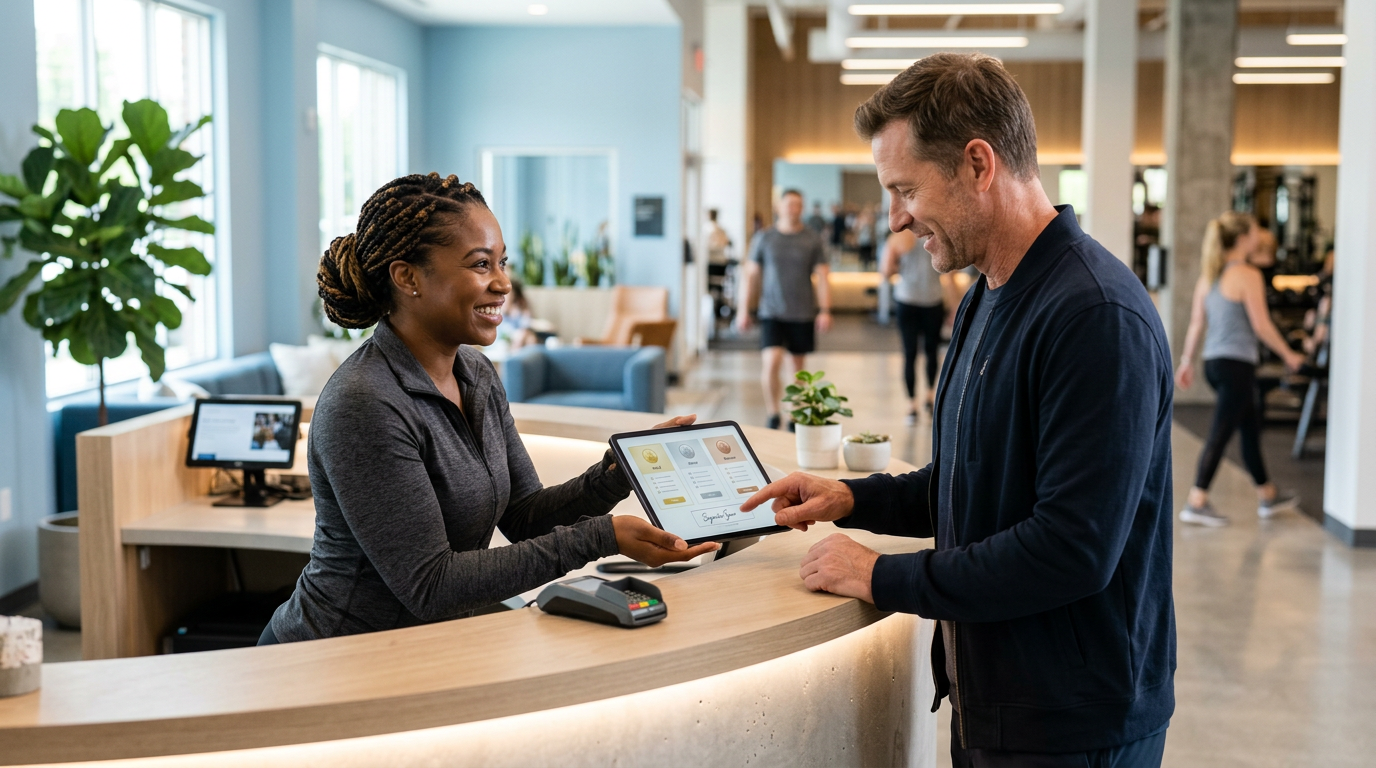
You do not need an expensive kiosk. A wall-mounted tablet (iPad or Android) running your gym management app’s check-in mode is enough for most single-location gyms. Position it at eye level near the entrance where there is a natural pause in foot traffic — not in a spot where a queue blocks the door. If you run a 24/7 facility without staff during off-hours, pair the tablet with an access-control integration so check-in also unlocks the door.
For multi-location setups, standardize the hardware and mounting across sites so the check-in experience feels consistent. A member visiting Location B for the first time should recognize the flow instantly. This ties into the broader centralized studio management approach.
Integrate check-in with your member database
A check-in that does not feed into your member database is just a headcount. The real value comes from linking every check-in to a member profile so you can see attendance patterns over time: who is visiting more, who is visiting less, who has not been in for two weeks. That data powers your retention strategy (see engagement metrics) and your scheduling decisions. Make sure your check-in system writes to the same member record that your billing, booking, and communication tools use — fragmented data means fragmented insights.
Use attendance data to drive scheduling
Check-in timestamps tell you when your gym is busiest, which classes fill, and which time slots have unused capacity. Use this data to adjust your class schedule: add sessions at peak times, experiment with off-peak offerings to spread demand, and retire classes that consistently draw fewer attendees than your threshold. For the full scheduling playbook, see strategies to increase class attendance. Data-driven scheduling is one of the quickest ways to improve both member experience (shorter waits, less crowding) and revenue (higher utilization of your space and staff).
Attendance data as a retention early-warning system
The most powerful use of check-in data is spotting disengagement before the member cancels. A member whose visits drop from their personal baseline — say, from three times a week to once — is at elevated churn risk. Flag these members automatically and trigger a personal outreach: a text from a staff member, a call from their trainer, or an automated message that feels human (“Hey, we noticed it’s been a while — everything okay?”). Early intervention is dramatically more effective than a “we miss you” campaign sent after the member has already mentally left. For the full retention framework, see personalized retention strategies.
Handle guest check-ins and trials
Your check-in system should accommodate more than just regular members. Guest passes, trial visitors, and drop-in purchasers need a check-in flow that captures their information (name, contact, waiver) without slowing down the regular-member line. A separate “guest” button on the check-in screen that opens a brief form works well. This data feeds your lead-nurturing pipeline (see lead-nurturing automation) — every trial visitor who checks in should enter your follow-up sequence automatically.
Maintain and audit the system
A check-in system that works on day one can drift without attention. Audit it monthly: Are all active members set up with a working QR code or PIN? Is the scanner positioned correctly and responsive? Are there members who appear to visit but never check in (suggesting a broken flow or a habit of skipping it)? Consistent data quality is the prerequisite for every downstream benefit — scheduling, retention, reporting — and it requires periodic maintenance, not just initial setup.
The bottom line
A gym check-in system is not just a turnstile — it is the source of the attendance data that powers your scheduling, retention, and capacity decisions. Choose a fast, low-friction method (QR or PIN), integrate it with your member database, and use the data it produces to make smarter decisions about your classes, your outreach, and your growth.
See how FitCore handles check-ins and attendance tracking: explore features, review pricing, or start a free trial.
Frequently asked questions
What is the fastest gym check-in method?
QR code scanning on a member’s phone is typically the fastest (under two seconds). PIN entry is a close second and does not require the member to have their phone. Both are faster and more reliable than card swipes or manual sign-in.
Do I need special hardware for a gym check-in system?
Not necessarily. A tablet or old phone mounted near the entrance can run a QR scanner or PIN pad via your gym management app. Dedicated kiosks look more polished but are not required to get started.
How does check-in data help with retention?
Attendance data is the earliest warning sign of disengagement. A member whose visits drop from three per week to one is at high churn risk — that signal lets you intervene with a personal check-in before they cancel.
Should I require check-in for every visit?
Yes. Consistent check-in data is the foundation of accurate attendance reporting, class utilization metrics, and retention analytics. Without it, your scheduling and retention decisions are based on guesswork.
Put these ideas to work
FitCore gives you the tools to automate billing, fill classes, and keep members longer.